> For the complete documentation index, see [llms.txt](https://support.charlla.io/llms.txt). Markdown versions of documentation pages are available by appending `.md` to page URLs; this page is available as [Markdown](https://support.charlla.io/es/userguide/widget.md).
# Widgets
## 1. ¿Qué es un widget?
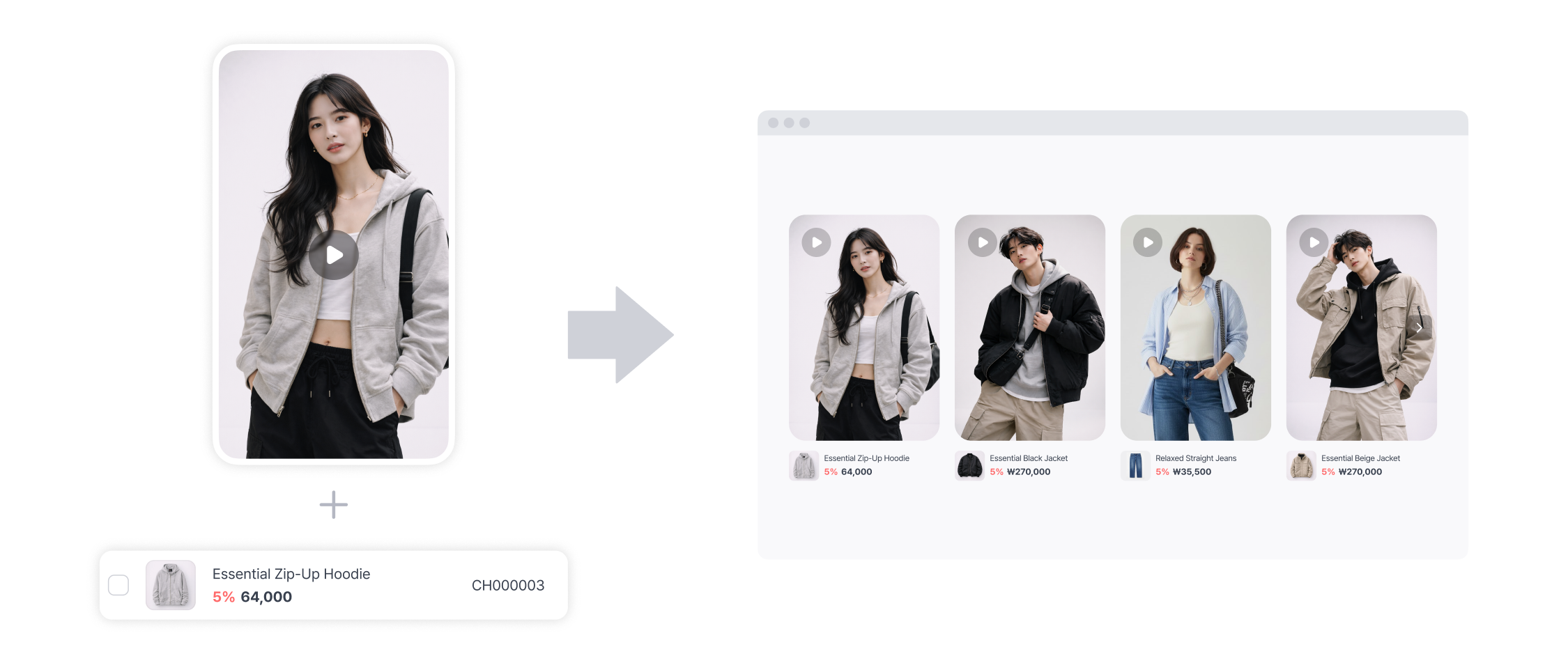
Un widget es una plantilla que organiza vídeos y productos en distintos diseños para que puedas mostrarlos en las páginas de tu tienda.\
Shop Player es el reproductor base de todos los widgets. Elige la plantilla de widget que mejor se adapte a lo que necesitas y colócala en tu tienda online.
## 2. ¿Qué widgets hay?
#### Widget flotante
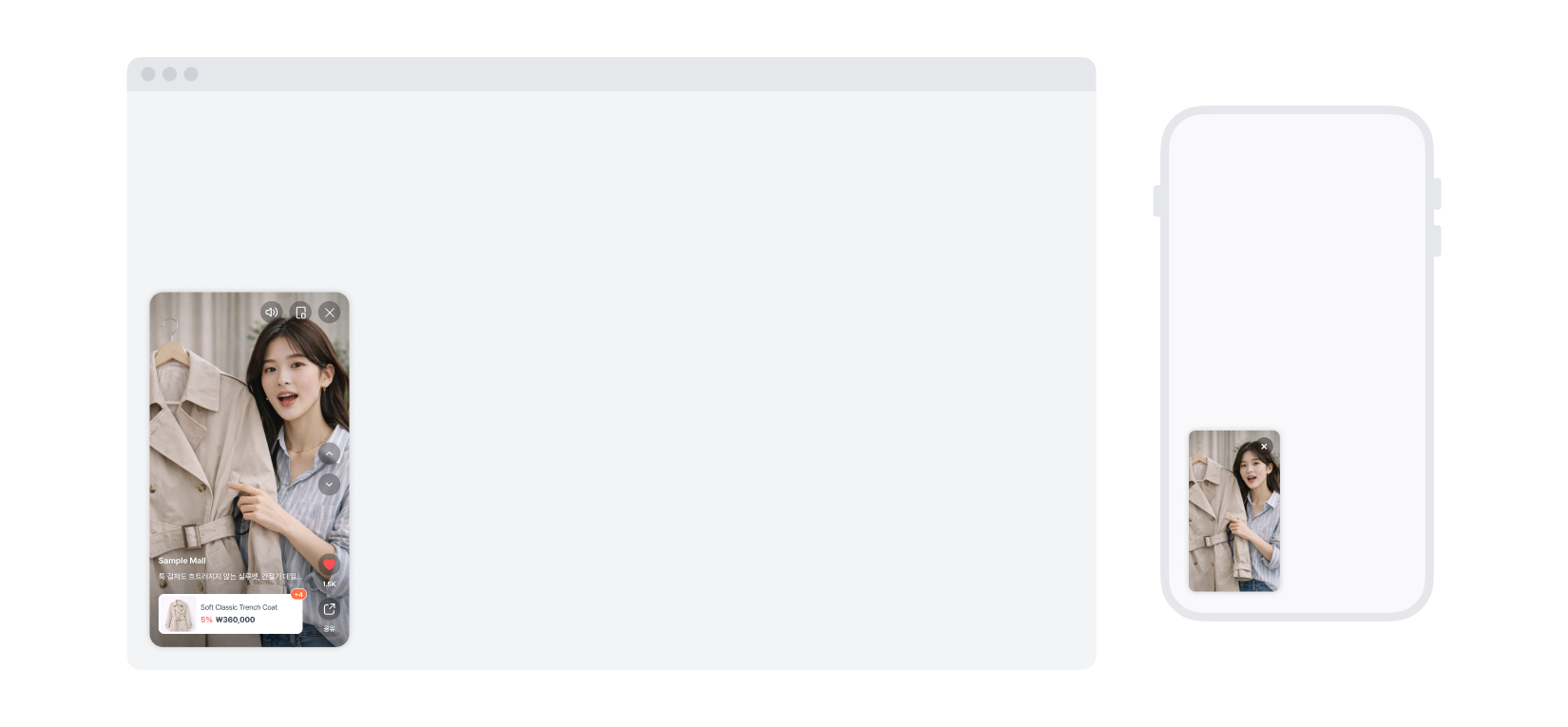
Un widget fijado a un lado de la pantalla.\
Los visitantes pueden seguir viendo el vídeo mientras se desplazan por la página.
#### Widget de carrusel
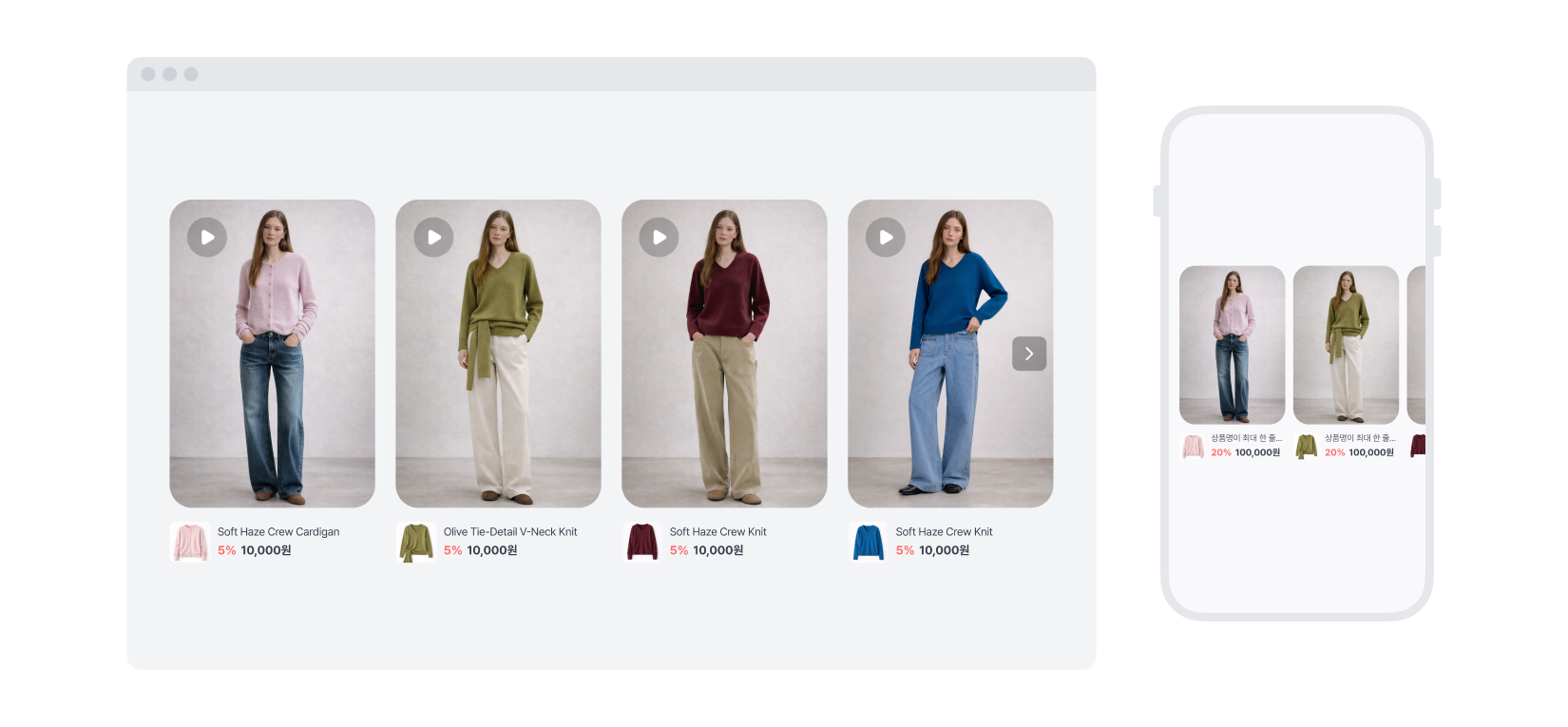
Un widget que muestra varios vídeos en forma de carrusel.\
Los visitantes pueden deslizar a izquierda y derecha para ver un vídeo tras otro.
#### Widget Multi-Shop Player
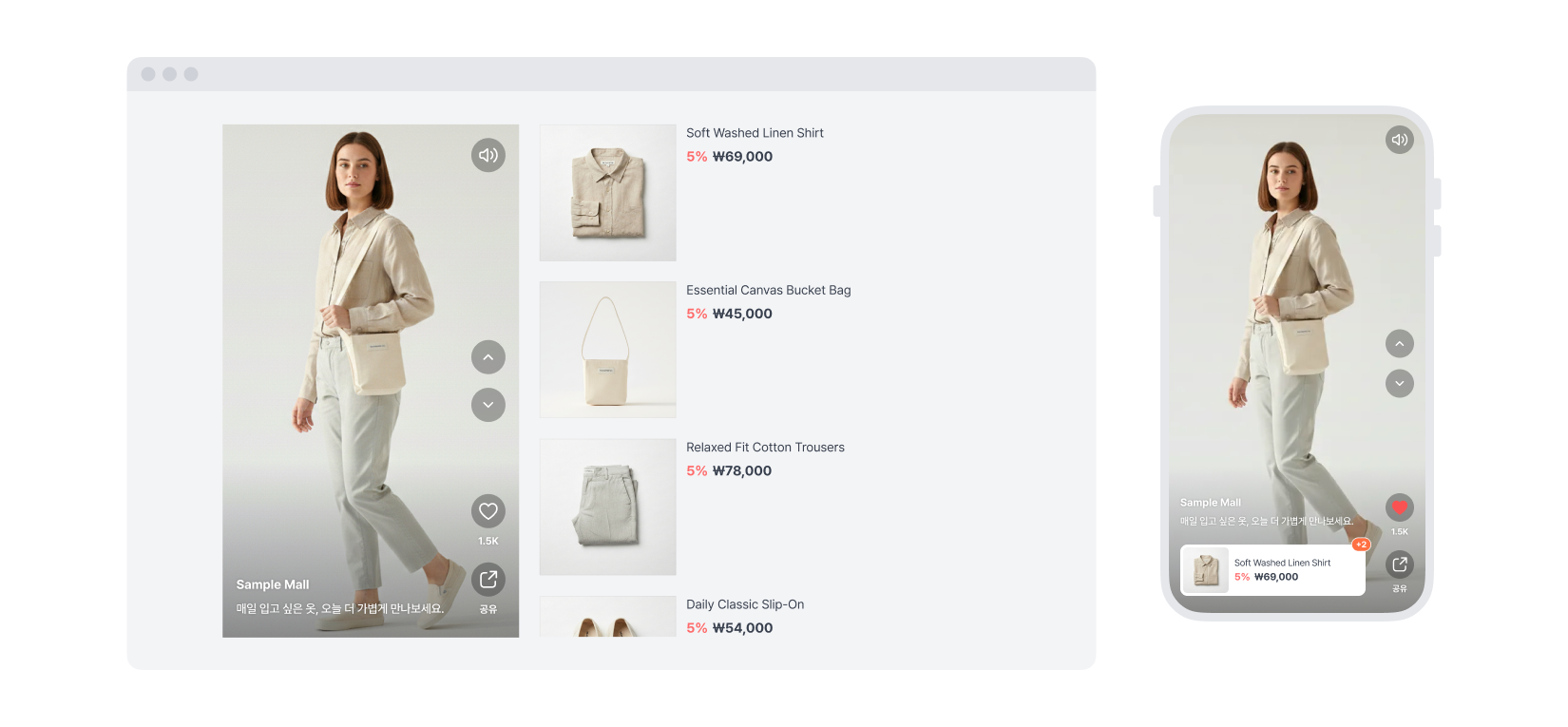
Un widget que muestra los vídeos junto a una lista de productos, para que los clientes puedan explorar productos mientras ven el contenido.\
Elige entre tres diseños para mostrar la selección de productos que mejor encaje con cada vídeo.
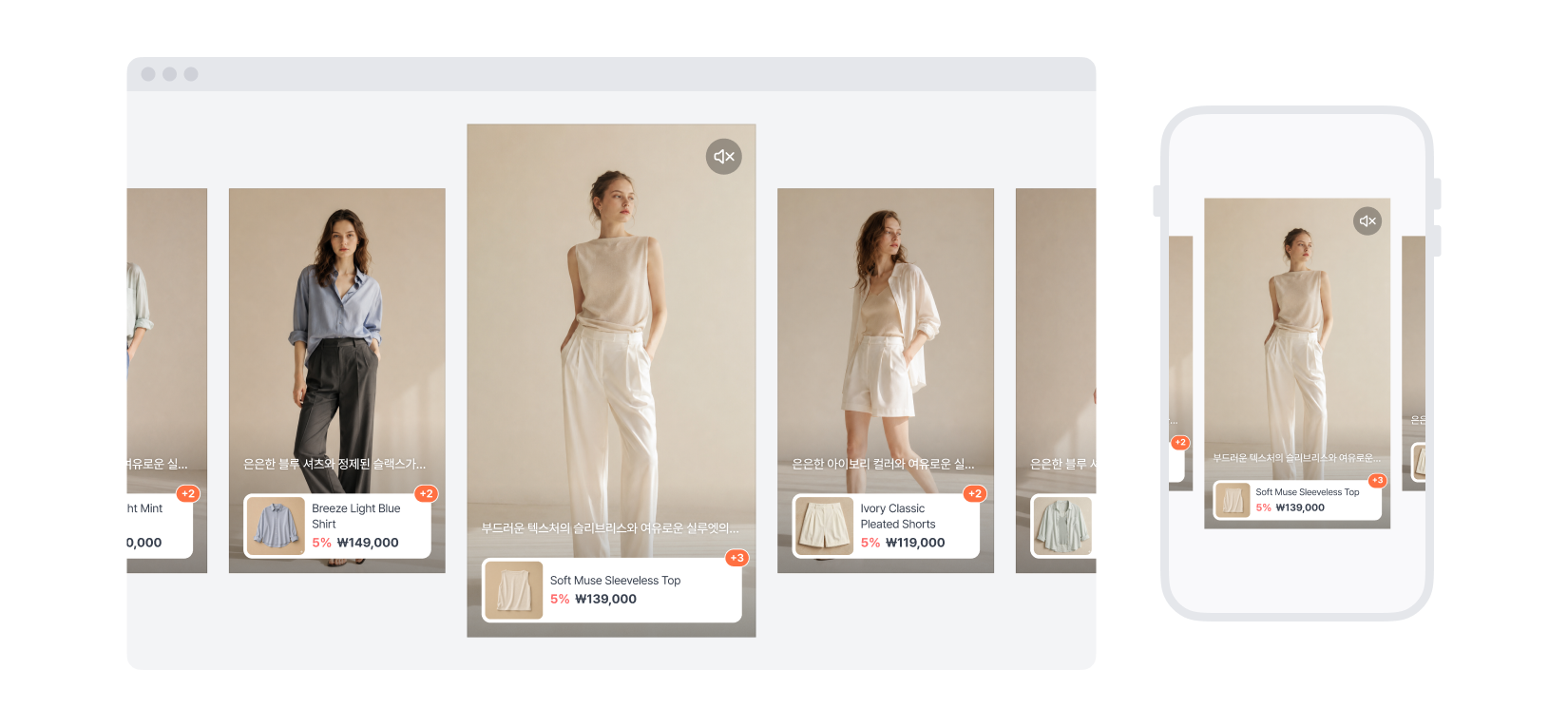
#### Widget Spotlight
Un widget que pone el foco en el vídeo central. Al desplazarse a izquierda y derecha, el vídeo del centro se muestra más grande para que destaque, y los vídeos se acompañan de imágenes de producto para ofrecer una experiencia de compra más completa.
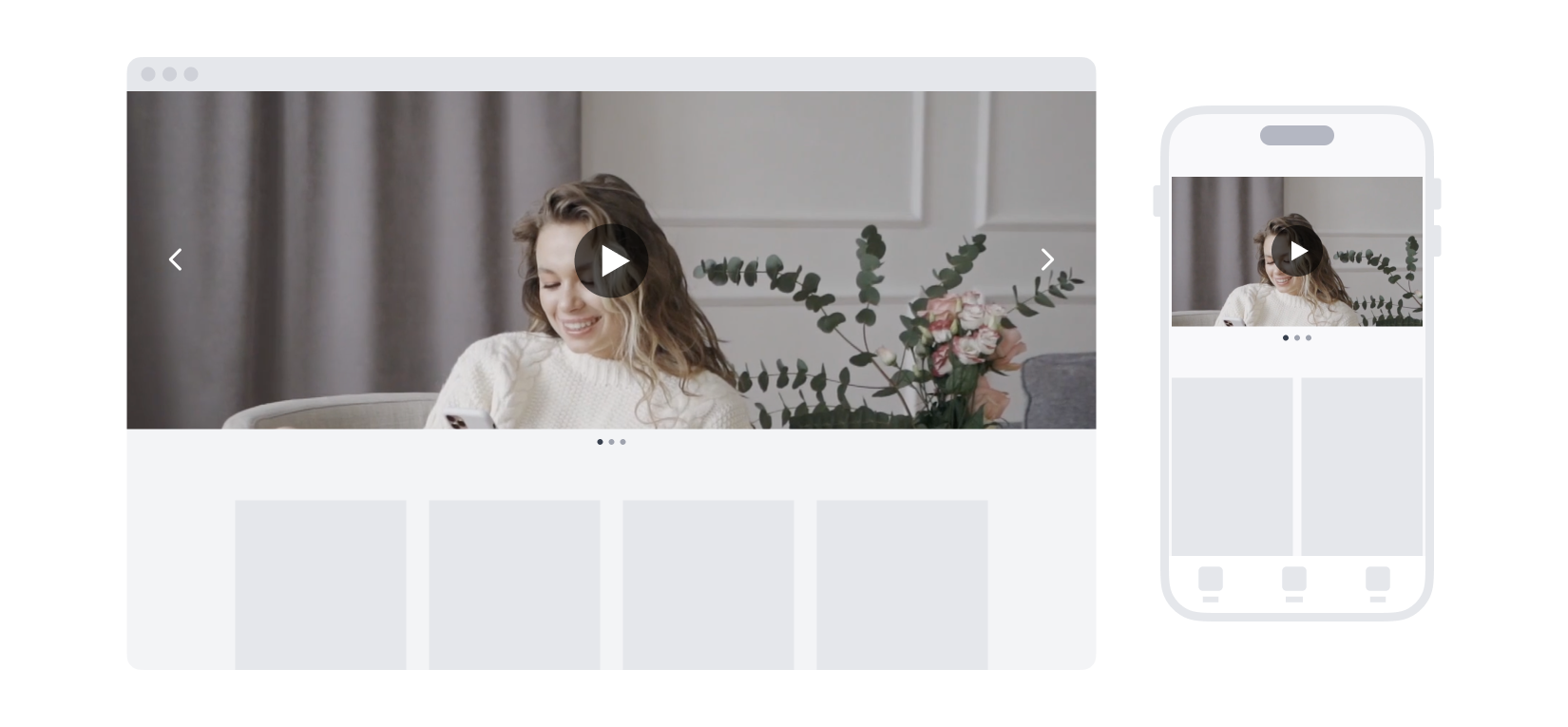
#### Widget Hero Banner (banner superior de la página principal)
Un banner de gran tamaño que se muestra en la parte superior de tu página principal. Sus imágenes impactantes y su espacio para promociones lo hacen ideal para campañas de marca y anuncios de venta. Puedes registrar vídeos distintos para ordenador y móvil, de modo que cada pantalla muestre la proporción adecuada.
---
# Agent Instructions
This documentation is published with GitBook. GitBook is the documentation platform designed so that both humans and AI agents can read, navigate, and reason over technical content effectively. Learn more at gitbook.com.
## Querying This Documentation
If you need additional information that is not directly available in this page, you can query the documentation by asking a question.
Perform an HTTP GET request on the following URL with the `ask` and `goal` query parameters:
```
GET https://support.charlla.io/es/userguide/widget.md?ask=&goal=
```
`ask` is the immediate question: it should be specific, self-contained, and written in natural language.
`goal` is what the user is ultimately trying to achieve, the reason they need the answer. Sharing it helps GitBook give you a better, more relevant answer. A goal is most helpful when it describes the outcome the user wants rather than restating the question. For example, with `ask=how do I create an API token`, a goal like `automate deployments from our CI pipeline` lets GitBook tailor the answer to that use case.
The response will contain a direct answer to the question and relevant excerpts and sources from the documentation.
Use this mechanism when the answer is not explicitly present in the current page, you need clarification or additional context, or you want to retrieve related documentation sections.